





















* Campaign Set Up: This is where you set your campaign name, campaign goal, budget, and dates.
* Targeting: This is where you set your targeting by location, content placement, demographics, interests & behaviors and more. As you select your targeting, you will see a forecast widget on the right hand side that shows the number of estimated impressions and price per thousand impressions (CPM). Generally speaking, the broader your targeting, the lower the CPM.
* Creative: This is where you upload your video ad. If your video ad is ready, upload your ad by clicking '+ New Creative'. If you do not have your video ad ready yet, select 'Add Creative Later.'
* Payment: This is where you review the set up of your campaign and make any necessary changes. When you are ready, click 'Checkout' and proceed to the Payment page.


News & Announcements
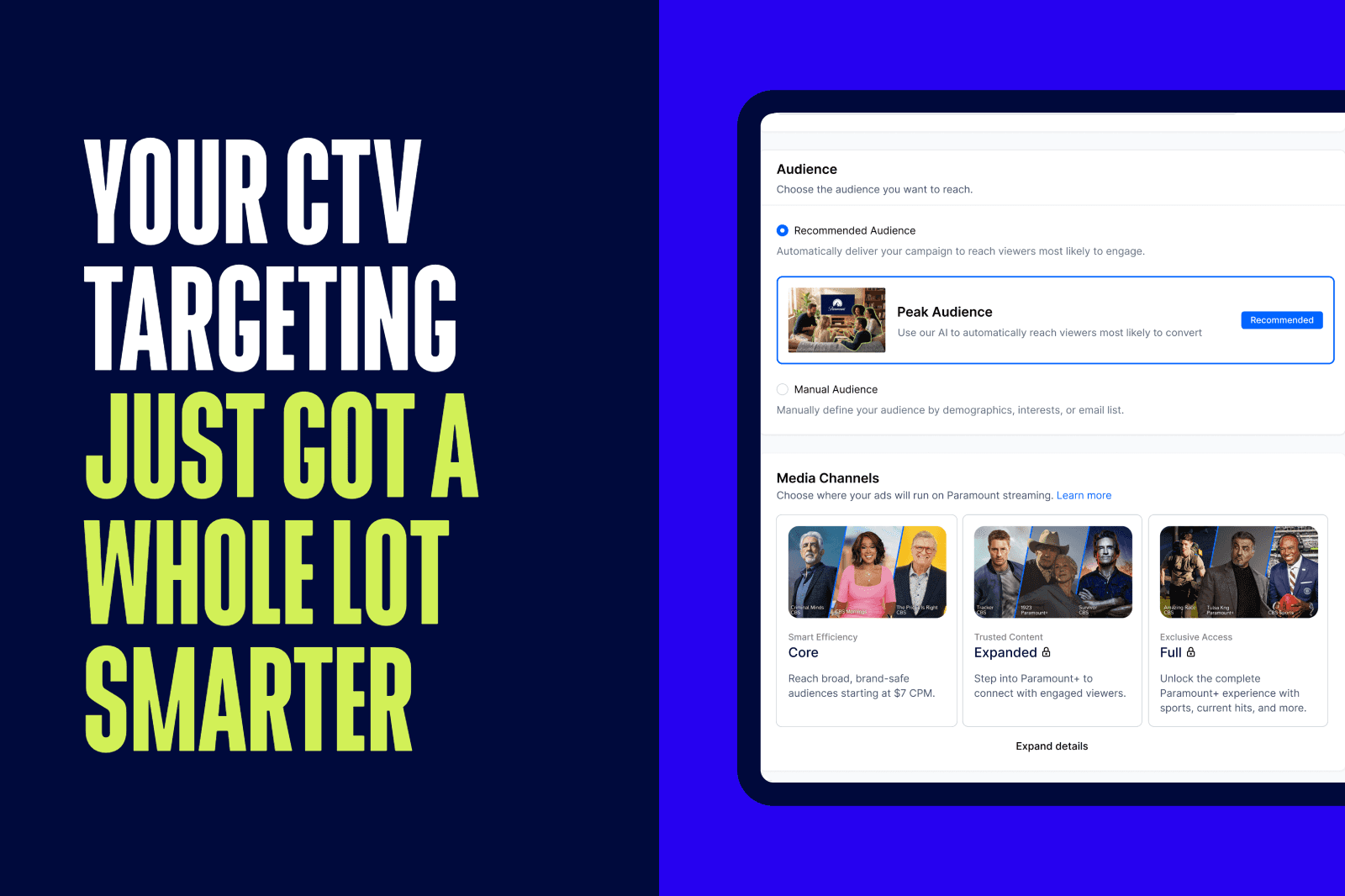
Peak Audience and Interests & Behaviors: Smarter Targeting, Bigger Impact on Paramount Ads Manager
Reaching the right audience at the right moment is everything in connected TV advertising. Paramount Ads Manager’s self-serve CTV ad platform was built around that idea, giving advertisers a suite of targeting tools designed for relevance, efficiency, and results across Paramount's premium streaming inventory advertising opportunities.
Customer Stories
How Exsel Marketing Group Used CTV to Drive 220+ In-Store Visits & 2,900+ Site Visits for Southbridge Credit Union

Industry Insights
CTV Advertising for Legal Services: How Paramount Ads Manager Helps Law Firms Connect with Clients

Industry Insights
CTA Advertising for Food & Beverage Brands: Reach Hungry Customers with Paramount Ads Manager

Industry Insights
CTV Advertising for Financial Services: How Paramount Ads Manager Connects Banks with Quality Leads

Industry Insights
CTV Advertising for Education Marketers: How Paramount Ads Manager Helps You Reach Today’s Learners
FAQ


