
















* Campaign Set Up: This is where you set your campaign name, campaign goal, budget, and dates.
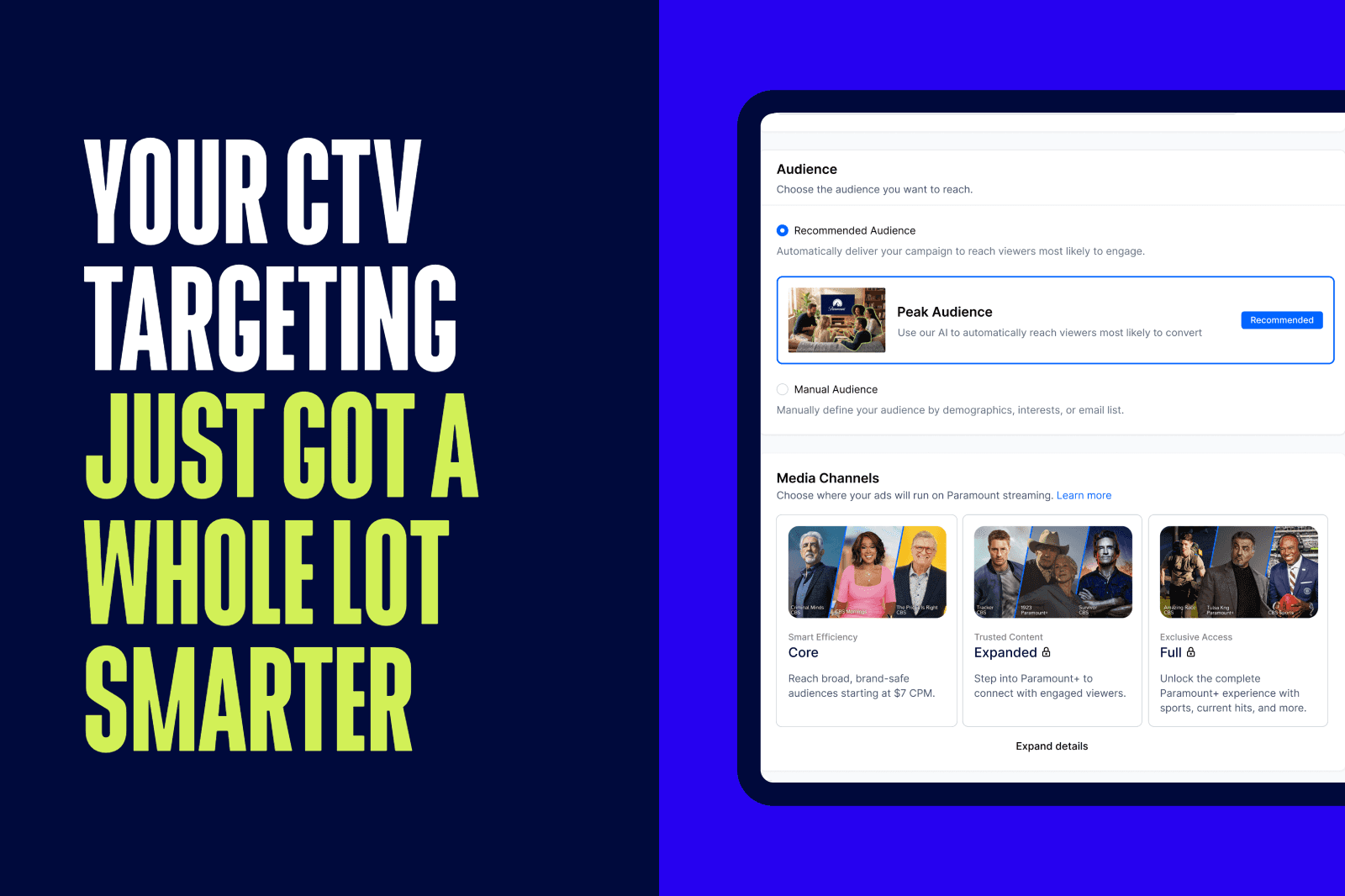
* Targeting: This is where you set your targeting by location, content placement, demographics, interests & behaviors and more. As you select your targeting, you will see a forecast widget on the right hand side that shows the number of estimated impressions and price per thousand impressions (CPM). Generally speaking, the broader your targeting, the lower the CPM.
* Creative: This is where you upload your video ad. If your video ad is ready, upload your ad by clicking '+ New Creative'. If you do not have your video ad ready yet, select 'Add Creative Later.'
* Payment: This is where you review the set up of your campaign and make any necessary changes. When you are ready, click 'Checkout' and proceed to the Payment page.
Paramount Research


LANDMAN | PARAMOUNT+
FAQ