















* Campaign Set Up: This is where you set your campaign name, campaign goal, budget, and dates.
* Targeting: This is where you set your targeting by location, content placement, demographics, interests & behaviors and more. As you select your targeting, you will see a forecast widget on the right hand side that shows the number of estimated impressions and price per thousand impressions (CPM). Generally speaking, the broader your targeting, the lower the CPM.
* Creative: This is where you upload your video ad. If your video ad is ready, upload your ad by clicking '+ New Creative'. If you do not have your video ad ready yet, select 'Add Creative Later.'
* Payment: This is where you review the set up of your campaign and make any necessary changes. When you are ready, click 'Checkout' and proceed to the Payment page.
News & Announcements

News & Announcements
Paramount Ads Manager Partners with Northbeam to Bring Advanced Attribution to CTV

News & Announcements
Paramount Ads Manager Partners with INCRMNTAL to Bring Always-On Incrementality to CTV
News & Announcements
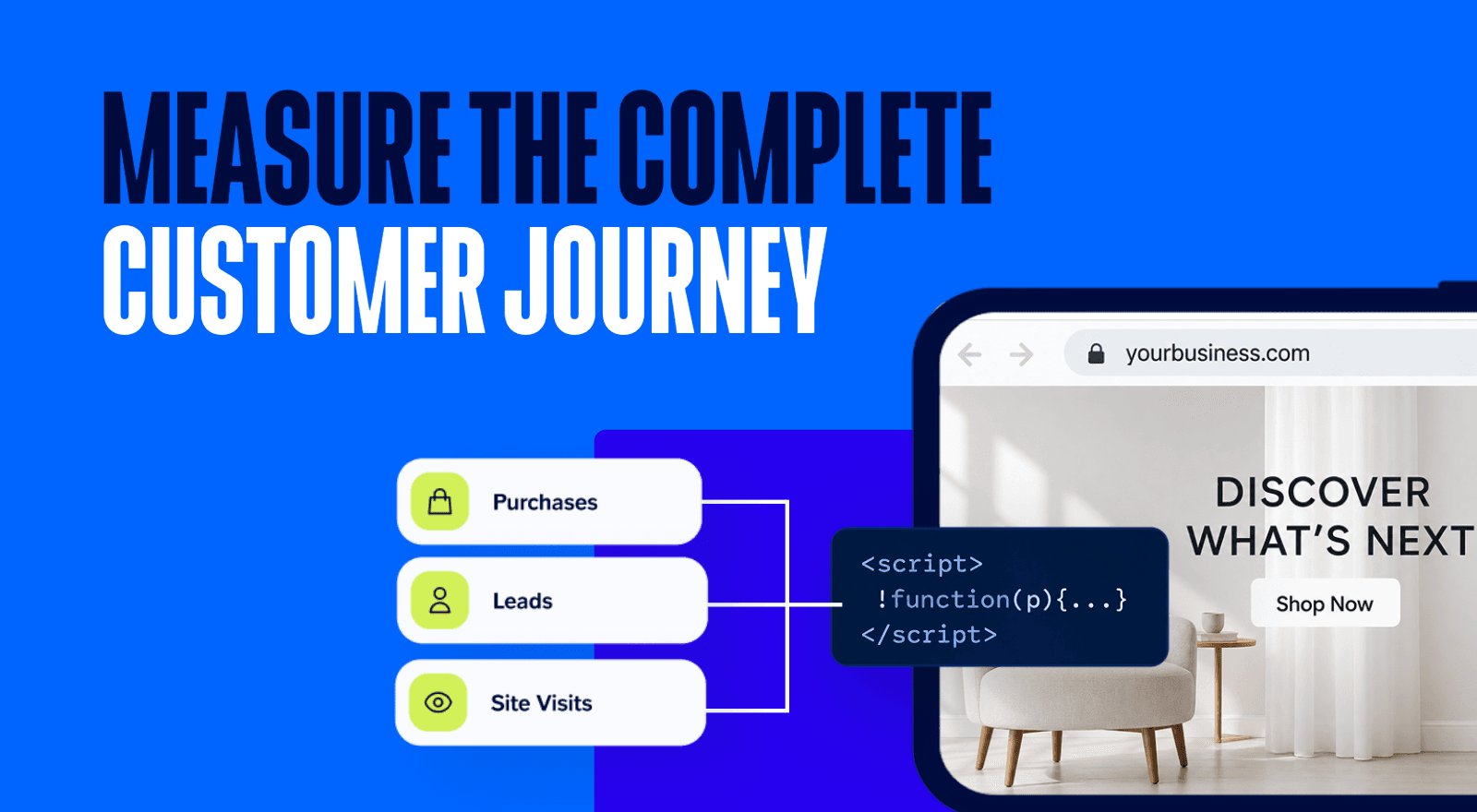
From Awareness to Attribution: How the Paramount Ads Manager Pixel Makes Your CTV Campaigns Measurable

News & Announcements
Paramount Ads Manager Partners with WorkMagic to Bring Incrementality Measurement to Premium Streaming Campaigns

News & Announcements
Paramount Ads Manager Launches New Partnerships Powering The Future of Premium TV Advertising
News & Announcements
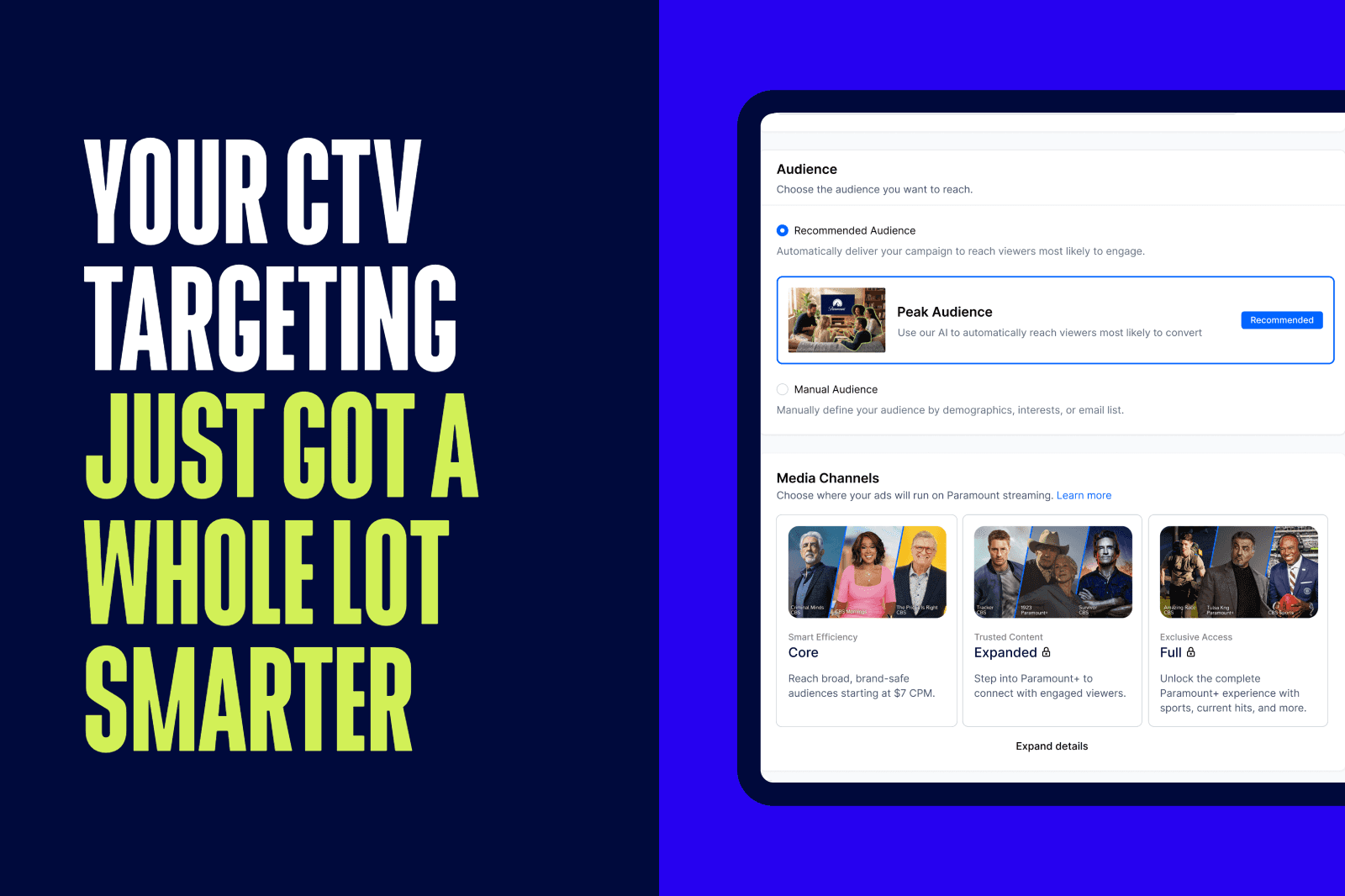
Peak Audience and Interests & Behaviors: Smarter Targeting, Bigger Impact on Paramount Ads Manager

News & Announcements
Paramount Ads Manager Launches New Agency Partner Program to Help SMB Advertisers Launch And Scale With Confidence

News & Announcements
On-Demand Webinar: How to Make Every Channel Work Harder with Connected TV (CTV)


LANDMAN | PARAMOUNT+
FAQ