











* Campaign Set Up: This is where you set your campaign name, campaign goal, budget, and dates.
* Targeting: This is where you set your targeting by location, content placement, demographics, interests & behaviors and more. As you select your targeting, you will see a forecast widget on the right hand side that shows the number of estimated impressions and price per thousand impressions (CPM). Generally speaking, the broader your targeting, the lower the CPM.
* Creative: This is where you upload your video ad. If your video ad is ready, upload your ad by clicking '+ New Creative'. If you do not have your video ad ready yet, select 'Add Creative Later.'
* Payment: This is where you review the set up of your campaign and make any necessary changes. When you are ready, click 'Checkout' and proceed to the Payment page.
CTV Ad Creative,
Made Simple
From DIY tools to full-service support, create high-impact ads built for the biggest screen in the house.
try it out
Choose Your Creative Path
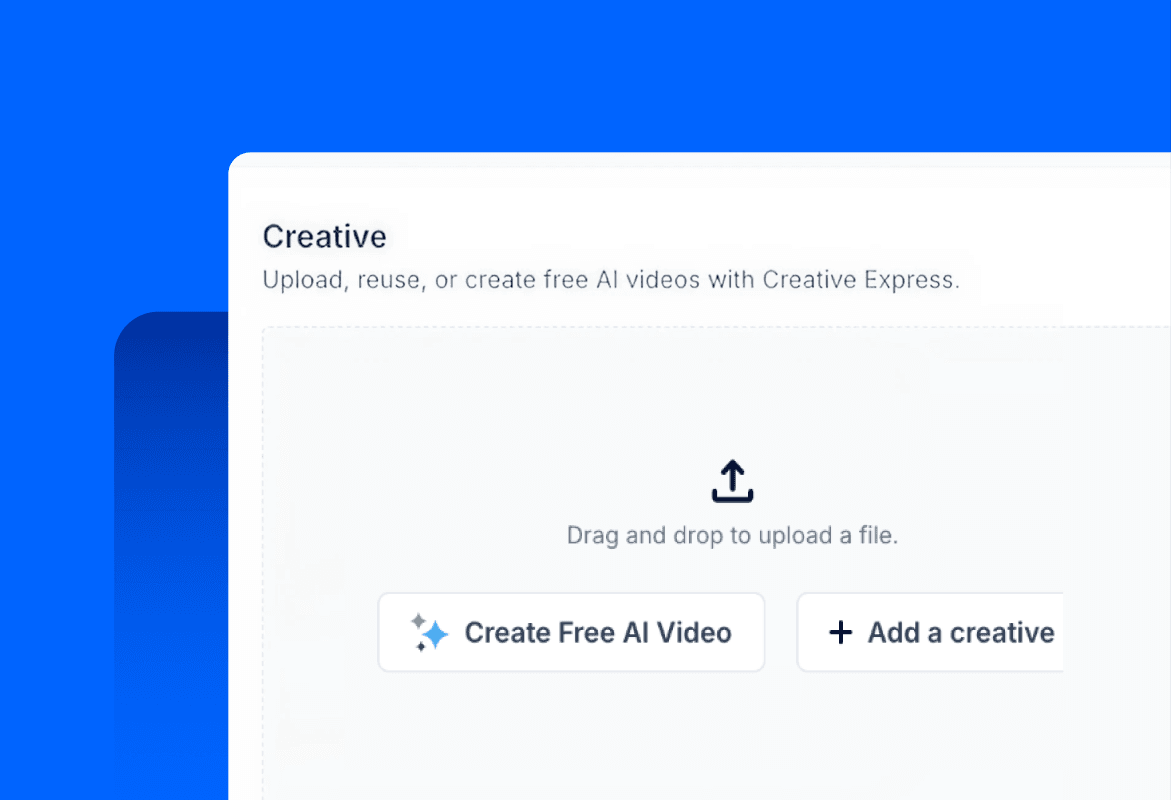
I ALREADY HAVE A TV-READY AD
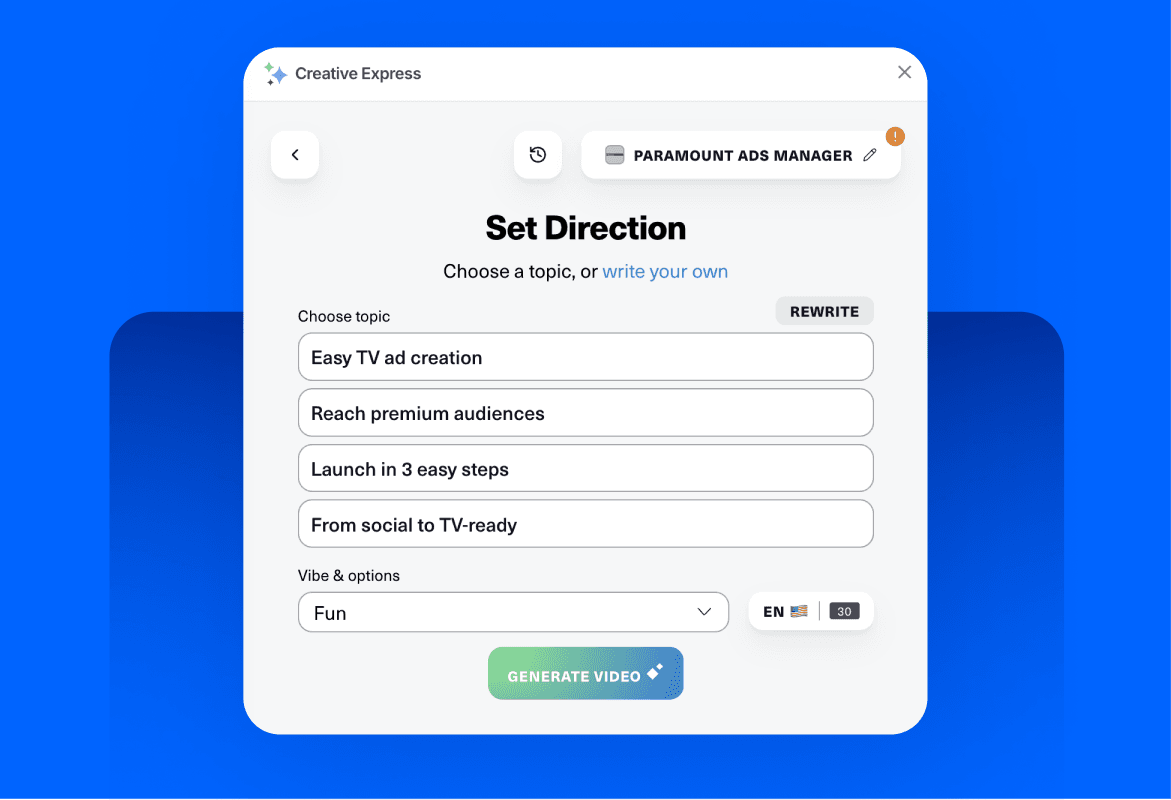
I WANT TO MAKE MY OWN AD

I WANT PARAMOUNT TO
MAKE MY AD
Paramount
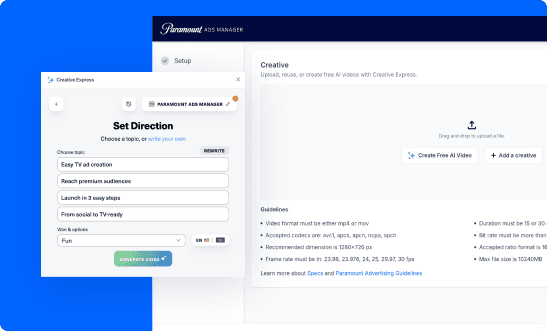
Creative Express
Create an ad in minutes and at no additional cost using our AI-powered creative tool within the Paramount Ads Manager platform.
Simply enter your website URL and the tool will guide you step by step as you customize your final ad.
Paramount Creative Plus
Gain access to our fully managed creative services as added value when you reach minimum monthly spend thresholds with Paramount Ads Manager.
We’ll reference your brand assets and use a blend of AI and our hands-on creative support to deliver a premium video ad that is on brand and ready for the big screen.


TRACKER | CBS
faq