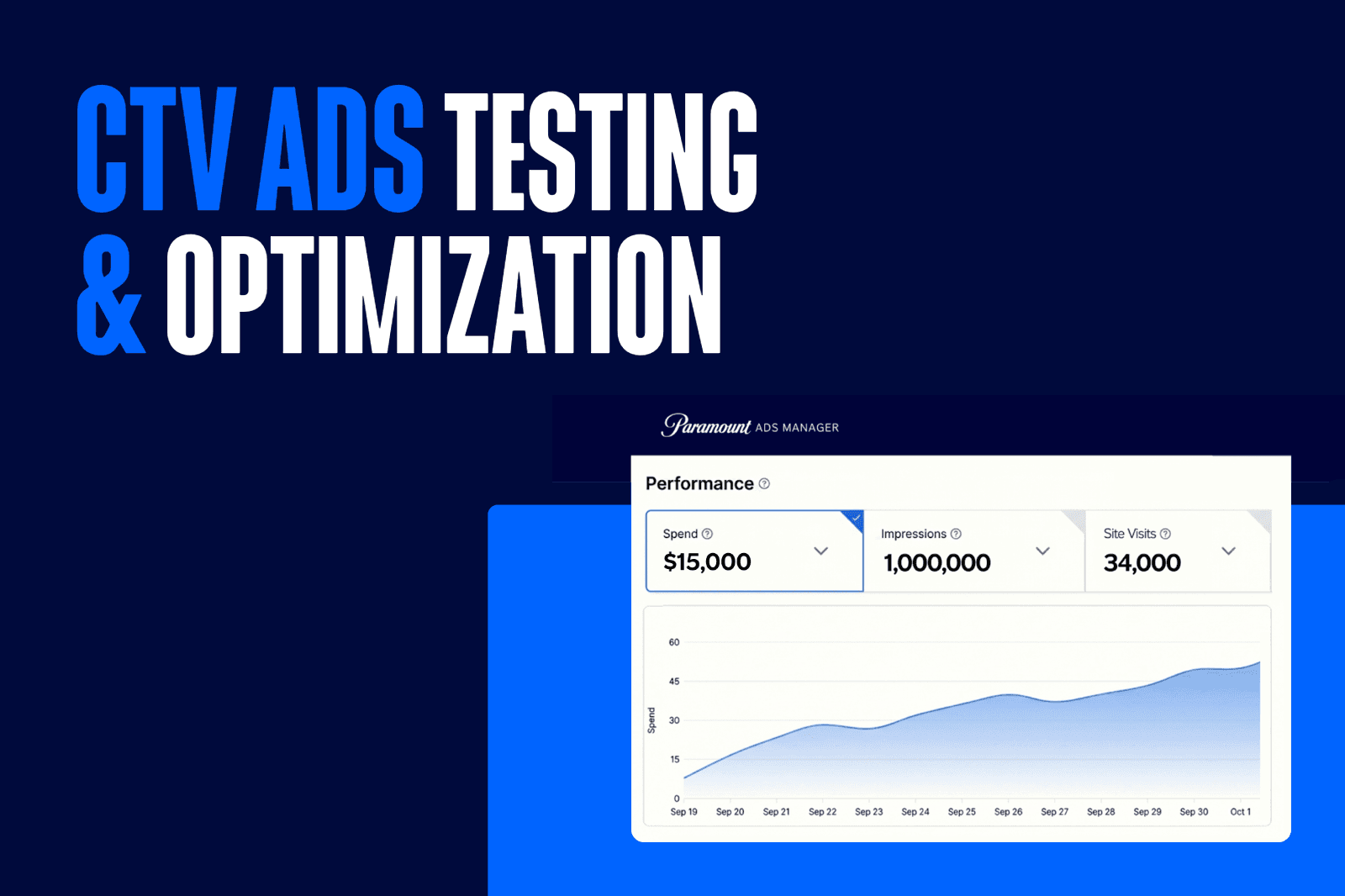
So you just launched a CTV campaign. Now what?
The fun part: figuring out what's working, what isn't, and what to change next.
CTV ad optimization looks a lot different than it did even a few years ago, especially when you're using a self-serve platform like Paramount Ads Manager. With the right measurement tools in place, you can track performance in real time, connect ad exposure to actual outcomes, and use what you learn to run smarter campaigns over time.
This guide covers the CTV advertising metrics that matter, how to measure CTV ad performance, and what to actually test to improve results.
The CTV Metrics That Actually Matter
Different campaigns call for different success metrics. Here's a breakdown of the key CTV advertising KPIs available in your Paramount Ads Manager dashboard, and what each one tells you.
Video Completion Rate (VCR)
VCR measures the percentage of viewers who watched your ad from start to finish. Formula: completed views divided by total impressions.
Because CTV ads on Paramount run in non-skippable 15- or 30-second formats, completion rates are structurally higher than on social or display. A strong VCR signals your creative is holding attention. A lower one relative to benchmarks may point to a pacing or opening hook issue worth investigating. So what is a good CTV completion rate? On premium streaming platforms, VCRs typically run 90%+, which reflects the non-skippable format and lean-back viewing environment.
Impressions
Impressions tell you how many times your ad was served. This is especially useful for understanding whether you're building genuine awareness or accumulating repeat exposures to the same audience.
Cost Per Visit (CPV)
Once you have the Paramount Ads Manager Pixel installed, you can measure how many people visited your website after being exposed to your CTV ad, and what it cost to drive each of those visits. CPV is one of the clearest signals of how efficiently your campaign is turning impressions into intent.
Site Visit Rate
Beyond raw visit counts, site visit rate tells you what percentage of your exposed audience actually came to your site. It's a useful normalizing metric when comparing campaigns of different scales.
ROAS
ROAS measures how much revenue you generate for every dollar spent.
Formula: Revenue / Ad Spend
In 2026, 86% of CTV advertisers track reach and frequency, 85% track brand lift, and 84% measure sales lift, meaning ROAS accountability on CTV now looks a lot like any other performance channel. (Source: Nielsen CTV Takeover Lookbook, 2026)
How to Measure CTV Ad Performance
1. Install the Paramount Ads Manager Pixel
The foundation of CTV ad performance measurement on Paramount Ads Manager is the Paramount Ads Manager Pixel, a single tag you install on your website that connects ad exposure to what actually happens after someone sees your ad.
Setting it up is straightforward, and it integrates directly with the platforms many businesses are already using, including Shopify, Squarespace, Wix, BigCommerce, and Weebly.
With the Pixel installed, you can track:
- Site visits, site visit rate, and cost per site visit driven by CTV exposure
- Leads and form completions tied to ad exposure
- Purchases and cost per purchase
The Pixel also powers retargeting. Once it's live, every site visitor becomes an audience you can reach again through a follow-up CTV ad, which is where some of the strongest performance gains come from. During beta testing, advertisers using retargeting saw a 30%+ improvement in site visit performance by reconnecting with audiences already familiar with their brand.
2. Regularly monitor your Paramount Ads Manager dashboard for real-time performance
Your Paramount Ads Manager dashboard gives you a live view of how your campaigns are performing across every key metric, updated in real time so you can make decisions during a campaign, not just after it ends:
- Spend
- CPM
- Impressions
- Site Visits*
- Leads*
- Purchases*
- In-Person Visits*
- Cost per Second View
- Cost per View
- Cost per Site Visit*
- Cost per Lead*
- Cost per Purchase*
- Cost per In-Person Visit*
- Video Completion Rate
- Site Visit Rate*
- In-Person Visit Rate*
*Only available with the Paramount Ads Manager Pixel installed
You can also dig into Impressions by Location to see which states, cities, ZIP codes, and DMAs drove the most exposure, and Top Premium Shows to see which programming your ad ran against most frequently.
3. Reference cross-channel campaign performance to measure incremental lift
Streaming ad attribution connects CTV exposure to downstream actions across devices. A viewer who sees your ad on their TV and later visits your site on their phone can be attributed back to the original CTV impression, giving you a more accurate picture of how your campaign is performing across the full customer journey.
CTV also strengthens the performance of every other channel running alongside it. Research from our CTV vs. Social report shows that paid search conversion rates increase by 22.3% when supported by CTV exposure, and paid social conversion rates improve by 8.5%.
In our Better Together webinar with agency Compound Growth Marketing, running CTV and social in tandem drove 60% greater reach, 14% higher click-through rates, and a 313% lift in lead form completions.
For measuring incremental impact beyond the dashboard, brand lift studies and third-party attribution tools like House and Northbeam can help you quantify shifts in awareness, perception, and purchase intent across exposed vs. non-exposed audiences. Which is particularly useful for understanding the upper-funnel impact of campaigns where direct conversions aren't the primary goal.

Using Metrics to Inform Strategy
When you set up a campaign in Paramount Ads Manager, the first step is choosing your campaign goal. That choice shapes everything that follows: which metrics matter most, how to read your results, and what to adjust when performance isn't where you want it.
Brand Awareness
- Choose this campaign goal if your objective is to: Reach wide audiences, promote new launches, and build broad brand visibility. This is a great goal to choose for your first CTV campaign to optimize broad reach before you get more granular after testing.
- Measure success by: Reach, impressions, and video completion rate.
- How to know if it’s working: If your VCR is strong and your impressions are scaling, your creative is working and your placements are reaching the right audience volume.
- What to try if results are flat: Test a new opening hook in your creative, or broaden your targeting to reach more households (Peak Audience Targeting is a great tool for this!).
Site Traffic
- Choose this campaign goal if your objective is to: Drive website visits and build product or service interest.
- Measure success by: Site visits and cost per site visit.
- How to know if it's working: If your cost per site visit is trending down over time, your targeting and creative are becoming more efficient.
- What to try if results are flat: Test a new audience segment or refresh your creative. A high cost per site visit often points to a targeting mismatch or a creative that isn't compelling enough to prompt a visit.
Foot Traffic
- Choose this campaign goal if your objective is to: Drive in-person visits and reach nearby customers.
- Measure success by: In-person visits and cost per in-person visit.
- How to know if it's working: If in-person visits are climbing and cost per visit is holding steady or improving, your geo-targeting is reaching the right households.
- What to try if results are flat: Tighten your geographic targeting to focus spend closer to your actual service area or location, and offer an incentive that entices people to make the trip over to your store.
Sales
- Choose this campaign goal if your objective is to: Drive online purchases and maximize return on ad spend.
- Measure success by: Purchases, cost per purchase, and ROAS.
- How to know if it's working: If ROAS is meeting or exceeding your benchmark and purchases are attributable to CTV exposure, your campaign is connecting the right audiences to the right offer.
- What to try if results are flat: Test a more specific audience segment, or consider adding retargeting to reconnect with site visitors who didn't convert on the first visit.
Leads
- Choose this campaign goal if your objective is to: Generate sign-ups, form submissions, or consultation bookings.
- Measure success by: Leads and cost per lead.
- How to know if it's working: If leads are coming in at or below your target cost per lead, the campaign is efficiently connecting your message to interested audiences.
- What to try if results are flat: Test a more specific audience segment or a more direct creative approach. Urgency-led messaging and specific CTAs typically outperform general brand-building creative when leads are the goal.
Retargeting
- Choose this campaign goal if your objective is to: Bring back past site visitors and drive repeat conversions.
- Measure success by: Conversions and cost per action.
- How to know if it's working: Ecommerce brand Midwest Photo ran an A/B test comparing a standard CTV campaign to one with retargeting enabled. The retargeting campaign drove approximately 41% higher site visit rate and ~29% more efficient spend: a strong illustration of what re-engaging warm audiences on the big screen can do.
- What to try if results are flat: Consider whether your retargeting audience pool is large enough to drive meaningful volume. A common approach is to run a Brand Awareness or Site Traffic campaign first to build up site traffic, then activate retargeting once you have a larger pool of visitors to work with. You can also test different creative approaches. Keep in mind that retargeting audiences have already seen your brand, so messaging that leads with a specific offer or urgency tends to outperform general awareness creative.
How to A/B Test Your CTV Ads
Effective CTV ad optimization happens through deliberate A/B testing TV ads, by isolating variables so you know what's actually driving a change in performance.
Ad creative tests
Creative is usually the highest-leverage variable to test. Small changes can produce meaningful differences in VCR, brand recall, and downstream conversion.
- Opening hook: The first 3-5 seconds determine whether viewers stay engaged. Test different openings, such as a bold visual, a direct offer, or a question, and measure the impact on VCR.
- Message framing: Test a product-focused ad against a benefit-focused one. For service businesses, test urgency-led creative (time-sensitive offers, specific calls to action) against brand-building creative.
- Ad length: 15-second vs. 30-second spots perform differently depending on the objective. Awareness campaigns often work well at 15 seconds. Campaigns that require more explanation benefit from the full 30.
- Call to action: Test specific CTAs ("Get a free estimate") against general ones ("Learn more") and track site visit rate differences.
Sequential messaging is a more structured approach to creative testing. Instead of running the same ad on repeat, you guide viewers through a series of ads that build understanding over time. Ad 1 introduces the brand. Ad 2 highlights a specific product or benefit. Ad 3 creates urgency with an offer. This approach reduces creative fatigue and supports the full funnel simultaneously.
Audience tests
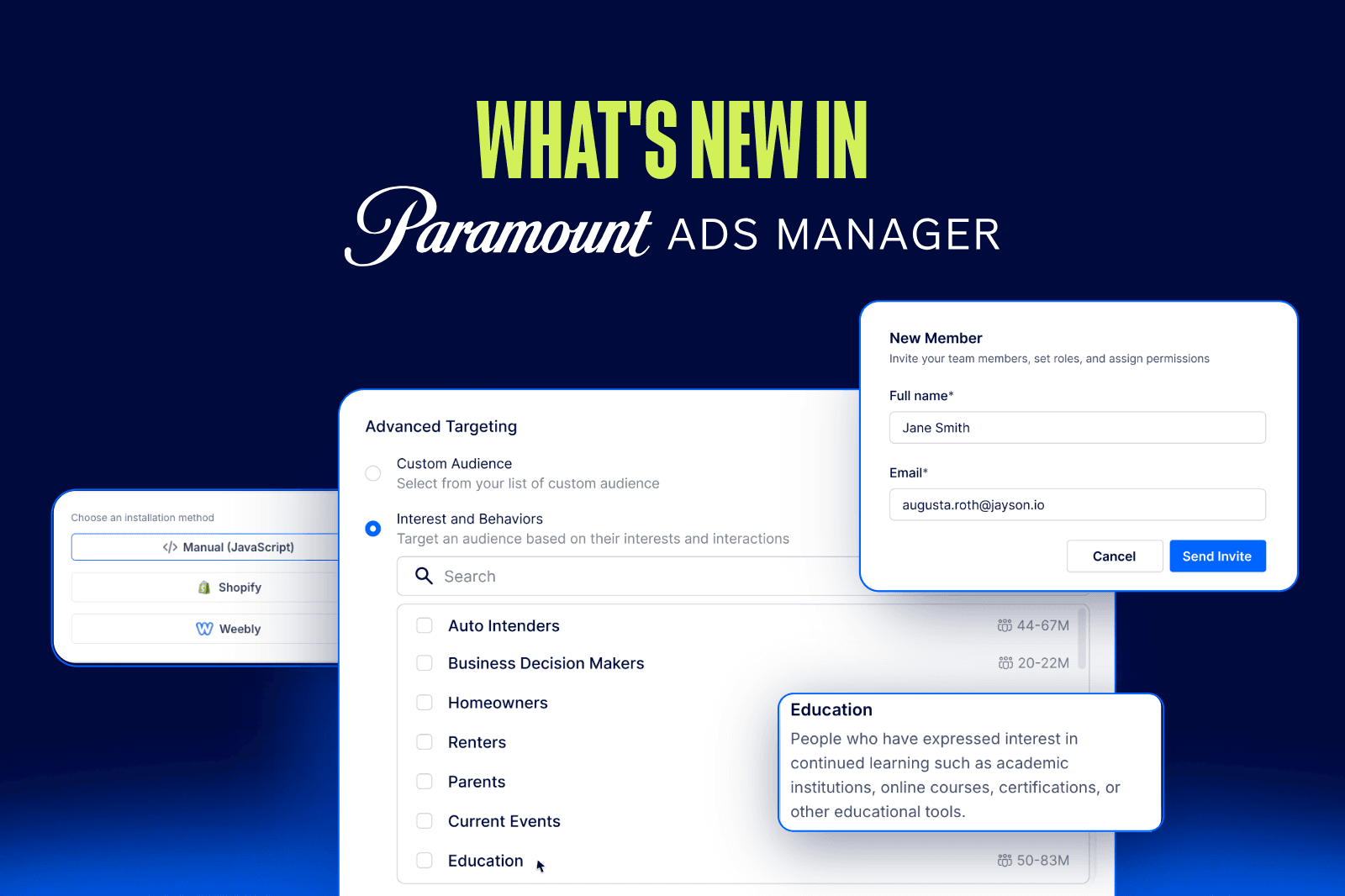
A/B testing streaming ads against different Paramount audience segments is one of the most valuable optimizations you can make. Paramount Ads Manager's Interests & Behaviors targeting gives you a range of segments to work with. Run campaigns against two or three different audience segments with the same creative, then compare CPV and site visit rate across segments. Over time, this tells you exactly where to concentrate spend.
Beyond interest-based targeting, it's worth testing different geographic areas and demographic groups to understand where your CTV audience is most responsive. You can also test different creative approaches against the same audience, or pair specific creative messages with the audience segments they're most likely to resonate with.
Placement tests
Where your ad runs affects how it performs. Testing across different content programming types can reveal patterns worth acting on.
Paramount Ads Manager's Peak Placement feature automatically optimizes delivery across Paramount's most-watched content, maximizing reach during peak viewing windows without requiring manual management. It's a strong option if you're not yet sure which types of programming perform best for your brand.
If you already know your audience responds well to specific content categories (like Sports or Comedy) you can also run targeted placement tests to validate that and refine from there.
Optimize Campaigns in Paramount Ads Manager
Paramount Ads Manager gives you the measurement tools, targeting options, and optimization features to put everything above into practice.
Buying directly through Paramount Ads Manager gives you access to premium inventory across Paramount+, CBS, CBS Sports, and Pluto TV, along with the first-party audience data and measurement capabilities that come with buying direct. That means better signals on what's working, stronger targeting against Paramount's verified streaming audiences, and reporting that connects streaming ad attribution to real downstream outcomes.
With Paramount Ads Manager, you can:
- Install the Paramount Ads Manager Pixel to track site visits, leads, purchases, in-person visits, and cost per action
- View real-time campaign performance across all key CTV advertising KPIs in your dashboard
- See the top 25 shows your ads ran on
- Run retargeting campaigns to reconnect with site visitors and warm audiences
- Use Interests & Behaviors targeting to test and refine audience segments
- Test creative variations and use performance data to guide future campaigns
The testing you do compounds over time. Each campaign gives you better data, cleaner audience segments, and a sharper sense of what drives results, across CTV and across every channel running alongside it.
LATEST INSIGHTS


RECOMMENDED





LANDMAN | PARAMOUNT+