


















* Campaign Set Up: This is where you set your campaign name, campaign goal, budget, and dates.
* Targeting: This is where you set your targeting by location, content placement, demographics, interests & behaviors and more. As you select your targeting, you will see a forecast widget on the right hand side that shows the number of estimated impressions and price per thousand impressions (CPM). Generally speaking, the broader your targeting, the lower the CPM.
* Creative: This is where you upload your video ad. If your video ad is ready, upload your ad by clicking '+ New Creative'. If you do not have your video ad ready yet, select 'Add Creative Later.'
* Payment: This is where you review the set up of your campaign and make any necessary changes. When you are ready, click 'Checkout' and proceed to the Payment page.

Industry Insights
The 2026 Holiday Advertising Guide for Small Businesses: From Black Friday to New Year’s

Industry Insights
Cyber Monday Advertising with CTV Ads: How Small Businesses Turn Viewers Into Online Orders

Industry Insights
Black Friday CTV Ads for Small Businesses: How to Stand Out on the Biggest Screen in 2026

News & Announcements
Paramount Ads Manager Partners with Northbeam to Bring Advanced Attribution to CTV
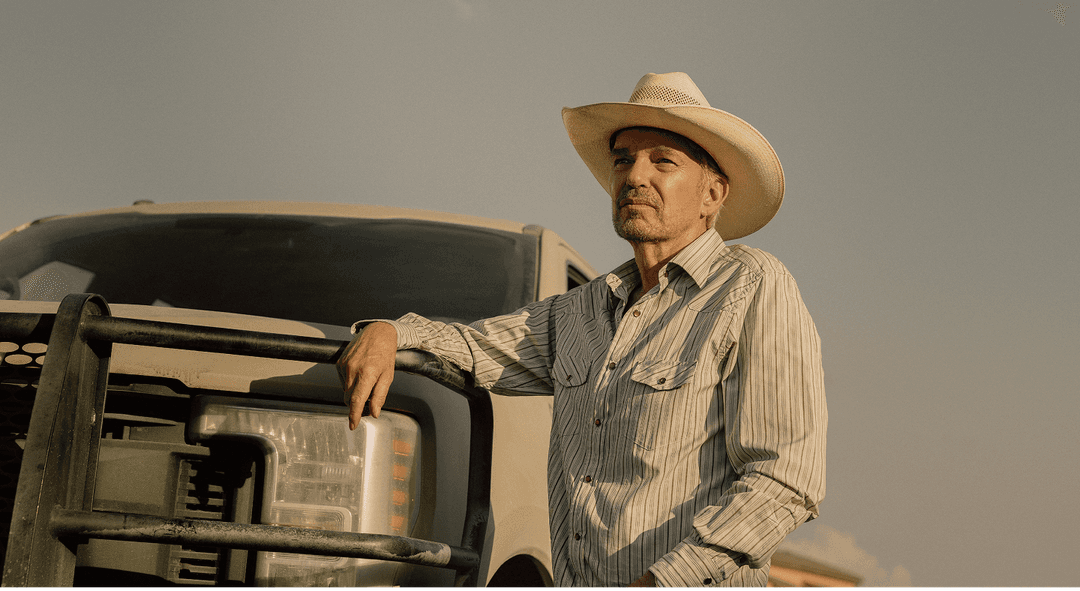

LANDMAN | PARAMOUNT+
FAQ