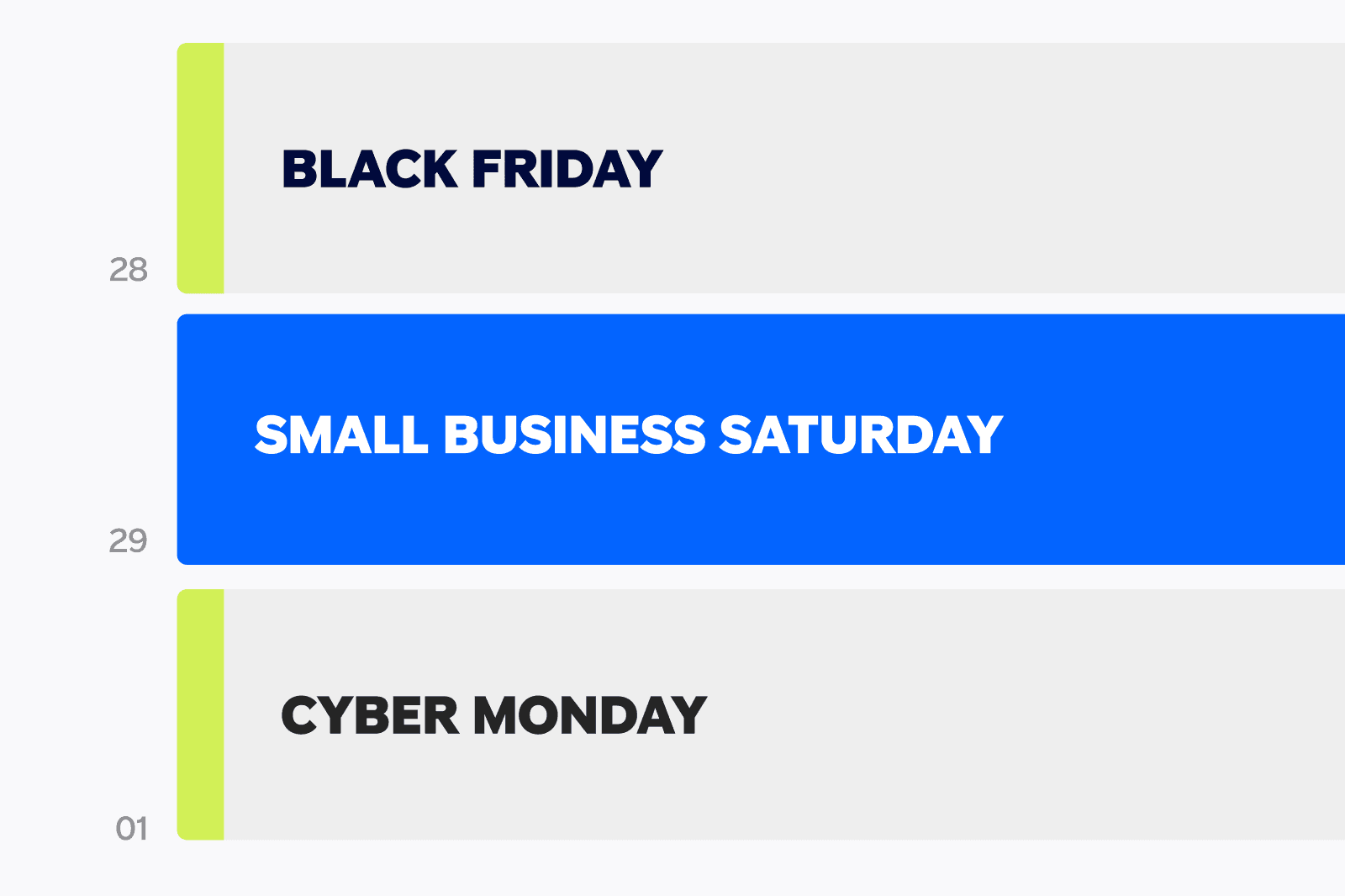
The biggest shopping weekend of the year (Black Friday, Small Business Saturday, and Cyber Monday) is almost here. And for small businesses, it’s not just another moment on the calendar. It’s the moment when consumers are actively searching, spending, and discovering new brands.
This year, shoppers plan to spend an average of $1,500 on holiday gifts, and nearly 3 in 4 say they’ll spend the same or more than last year. Holiday ads especially influence their decisions:
- 64% of consumers say they pay closer attention to holiday ads than ads at other times of the year
- 62% of consumers say they pay closer attention to holiday ads on TV than on social
- 57% have researched a brand online after seeing a holiday TV ad
- 45% have made a purchase directly because of a holiday TV ad
Source: Paramount Advertising, 8/14/25 Suzy Fielding, 500 total respondents
To help you make the most of the biggest revenue moment of the year, we built a simple two-week workback calendar that covers everything from creative prep to campaign launch. Follow this timeline to ensure your ads are ready (and reaching shoppers) where and when it matters most.
2 Weeks Before (Nov 17-18): Plan Your Strategy
Holiday shoppers are already browsing, comparing, and making their lists, so this is the time to lock in your plan.
✔ Define your campaign goal
Are you aiming to:
- Drive online or in-store purchases?
- Promote a holiday sale or limited-time offer?
- Build awareness ahead of peak shopping days?
Your goal will determine the best campaign setup and call to action.
✔ Finalize your holiday offers
Shoppers expect deals across Black Friday, Small Business Saturday, and Cyber Monday. If you’re running discounts or special bundles, finalize those now so you can promote them clearly in your ad.
1.5 Weeks Before (Nov 19-21): Build Your Creative
Whether you're creating a brand-new holiday ad or refreshing an evergreen spot, this is the time to bring your creative to life.
✔ Follow these holiday creative best practices
Paramount's Group Creative Director Spencer recommends:
- Start with a bold visual to grab attention immediately
- Make your brand unmissable with clear logos and distinctive assets
- Use both audio + motion to account for muted or distracted viewers
- Keep one message per ad, especially during offer-heavy moments
- Keep your CTA on screen long enough to act on
Watch our holiday webinar for more ways to make your ad creative stand out this season.
✔ Use Creative Express to build your ad in minutes
No video team (or time)? No problem. With our free in-platform tool, Paramount Ads Manager can generate a professional, TV-ready ad in as little as 10 minutes, using your website URL, brand colors, copy, and assets.
1.5 Weeks Before (Nov 19–21): Set Up Your Tracking
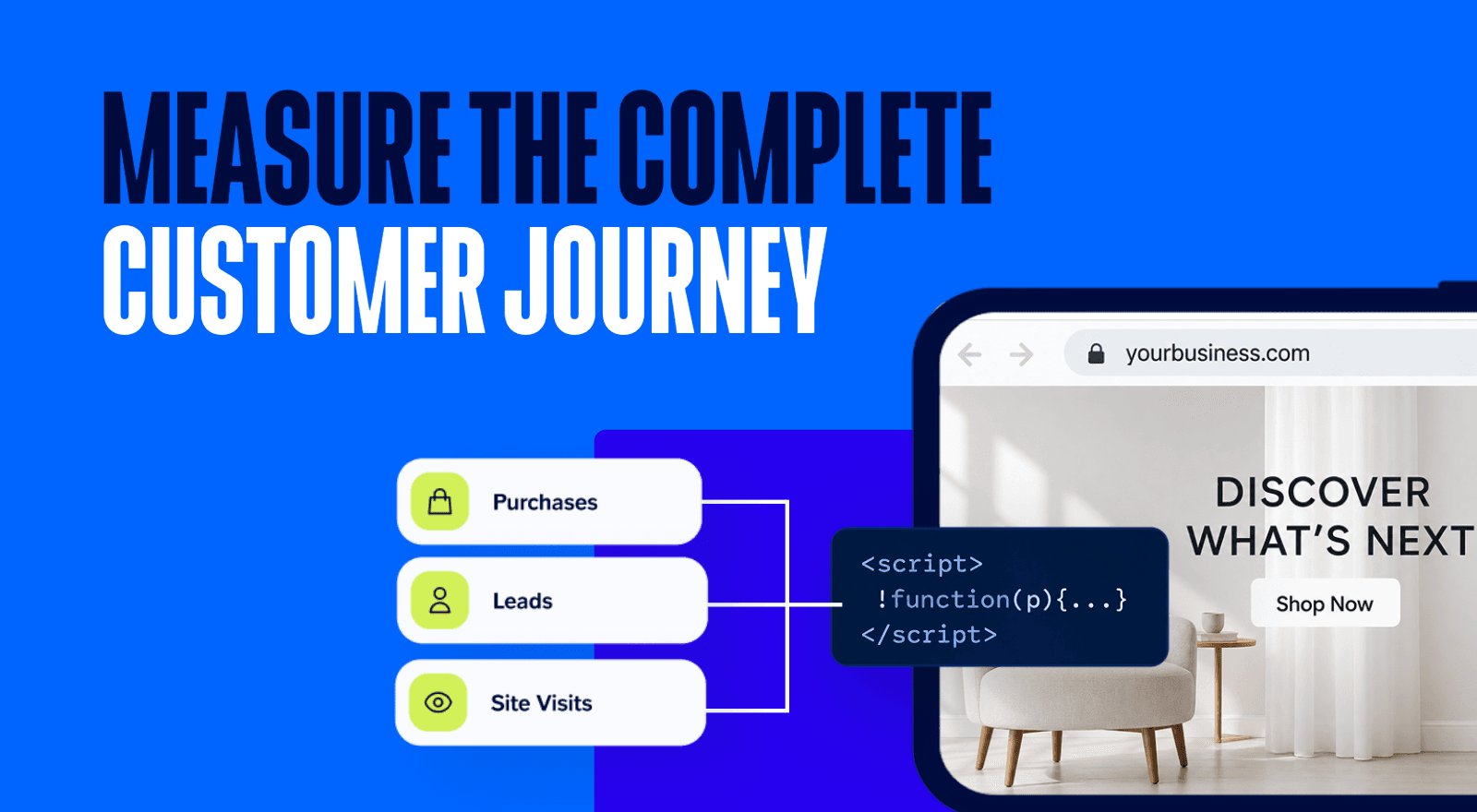
This is where you set up the structure that ensures your ads reach the right people, and that you can see the full impact. With Paramount Ads Manager, you can measure not just impressions, but the actions your ads drive, including:
- Website traffic
- In-store foot traffic
- Leads
- Purchases
Head to our Help Center for step-by-step instructions on getting your pixel set up, or reach out to our dedicated team if you need additional support.
1 Week Before (Nov 24): Set Up & Launch Your Campaign
Launching ahead of the shopping weekend is one of the most effective things you can do:
- Your brand gets on shoppers’ radar before their feeds and inboxes are flooded with offers
- You build frequency leading into the holiday weekend
- You warm up audiences who will be primed to make a purchase once your promotions go live
- You stay top-of-mind during the exact days when gifting research peaks
✔ Choose your audience target
Paramount Ads Manager lets you zero in on the specific audience that fits your ideal customer persona, letting you filter by Location (DMA/metro area, state, and zip code) and Demographics (Household income, age, and gender).
✔ Decide where your ads will appear
With Paramount Ads Manager, you can choose your placements with our Streaming Bundles - from premium Paramount+ programming, to free streaming channels like Pluto TV. All inventory is brand-safe, unskippable, and optimized for attention.
✔ Double-check your holiday offer messaging
Make sure your sale dates, promo codes, and CTAs are accurate and consistent across your ad, website, and landing pages.
✔ Launch your CTV campaign by Nov 24th
And keep it running until your promotion expires.
Black Friday (Nov 28) | Small Business Saturday (Nov 29) | Cyber Monday (Dec 1): Optimize Daily
Once the holiday weekend begins, every day counts.
✔ Monitor performance regularly in the Paramount Ads Manager dashboard
Track impressions, completions, and pixel-driven results like traffic and conversions.
✔ Keep your CTA and offers consistent
If you’re updating discounts between Black Friday and Cyber Monday, make sure the change is reflected everywhere customers land.
Why Run Your Holiday Ads with Paramount Ads Manager?
Holiday shoppers pay closer attention to TV ads than on other channels already - and Paramount viewers are even more responsive:
- Paramount viewers are +82% more likely to make a purchase after seeing a holiday TV ad
- They’re +49% more likely to trust holiday ads on CTV
- They spend 101 minutes per session with Paramount content — giving your brand unmatched visibility
With Paramount Ads Manager, you can:
- Build a TV-ready holiday ad in minutes
- Run on premium CTV placements across Paramount’s streaming network
- Measure traffic, purchases, and in-store visits
- Reach the right holiday shoppers with precise targeting
👉 Ready to get going? Start your holiday campaign on Paramount Ads Manager today.
LATEST INSIGHTS


RECOMMENDED



LANDMAN | PARAMOUNT+